Skip to content
MIXEL Film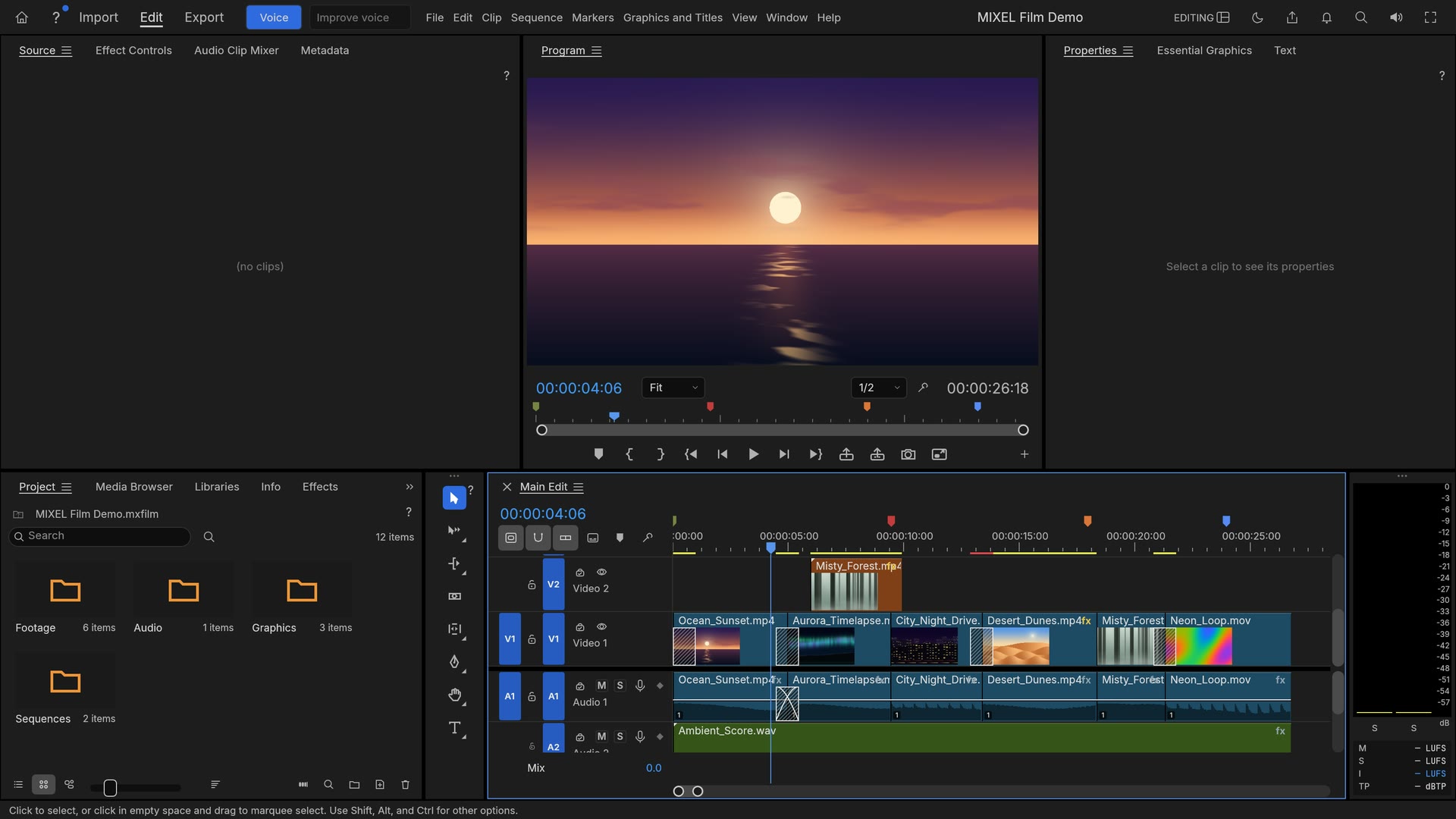

MIXEL Film
Edit video, colour and sound on a timeline
FreeMac · Windows
MIXEL Film in action
MIXEL Film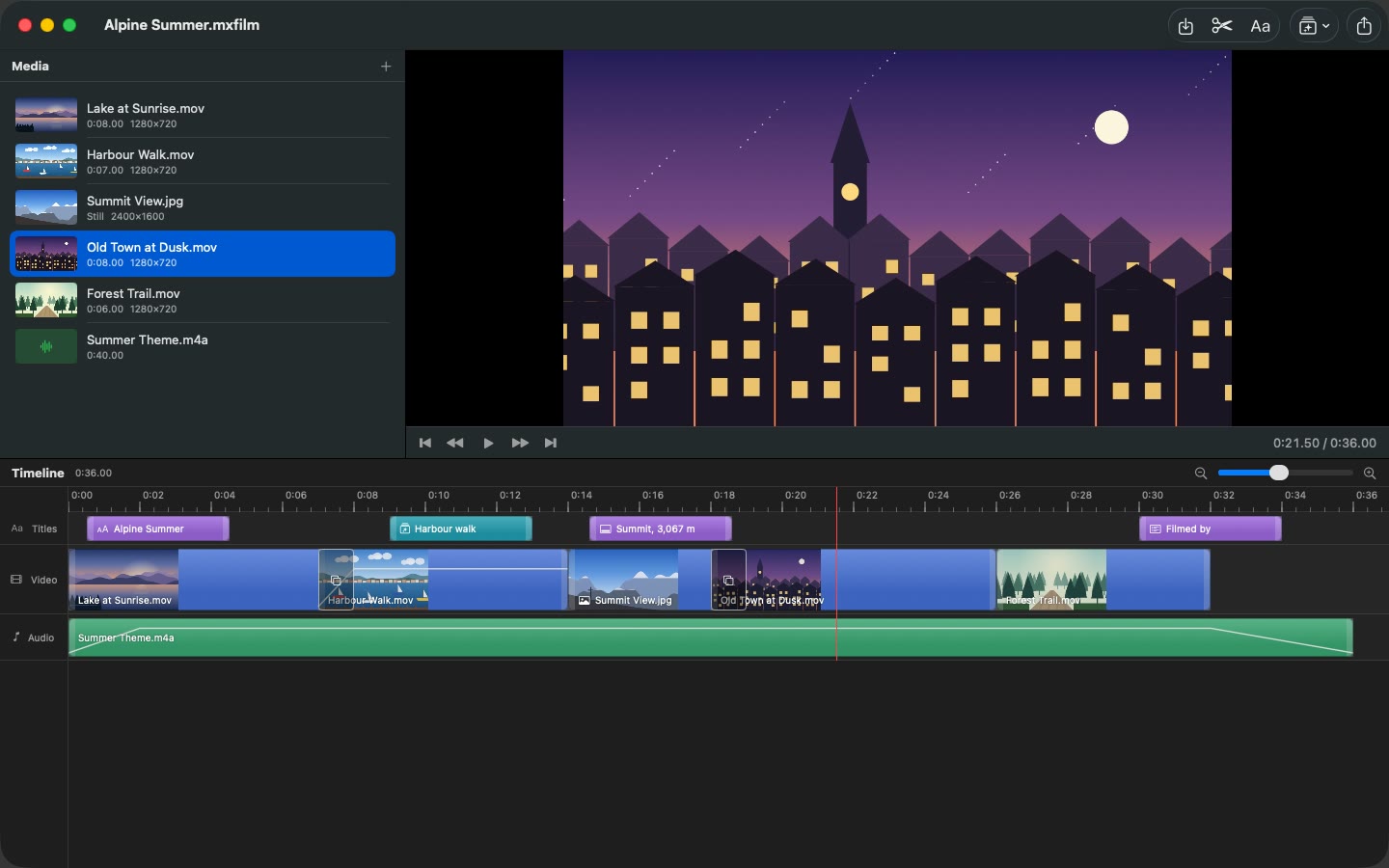
Screen 1 of 5
About this app
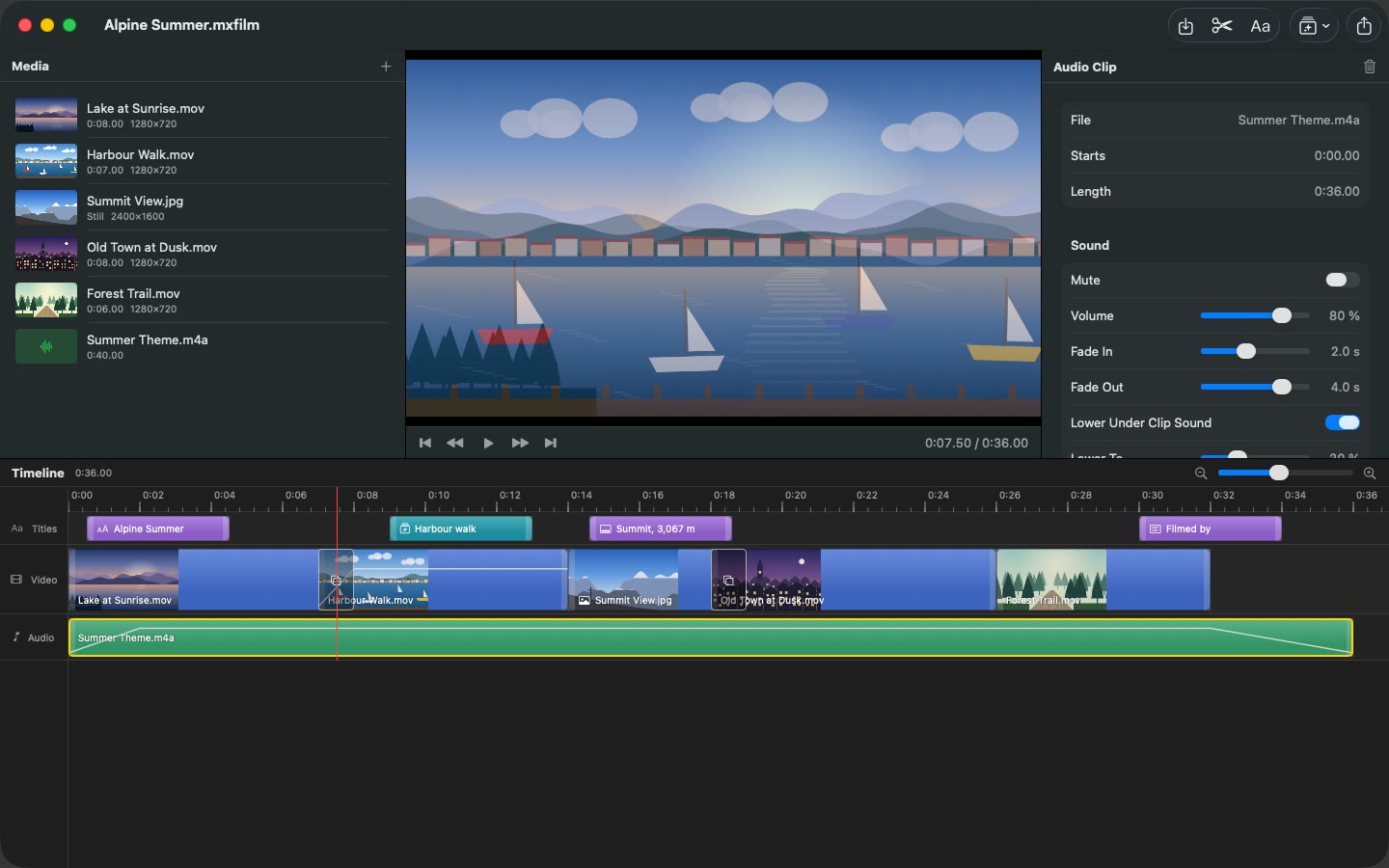
MIXEL Film gives you a timeline for video, colour and sound. Import your own media, arrange clips, trim your edit and add titles. Adjust picture colour and audio levels and preview the sequence.
Review your edit in the source and program monitors, work with markers and captions, and export a finished movie in a supported format. Save the project to keep your sequence editable; your original media stays untouched.
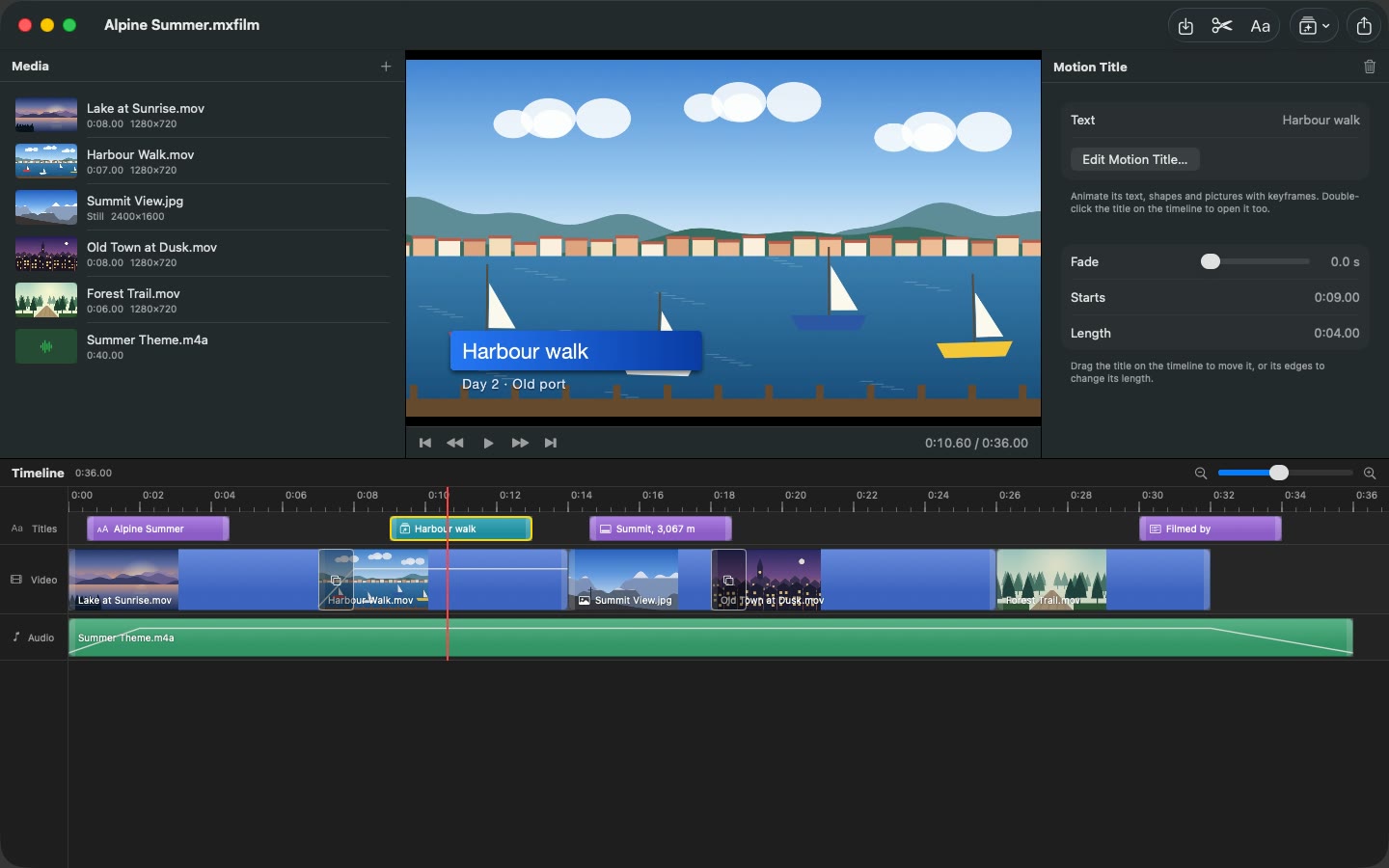
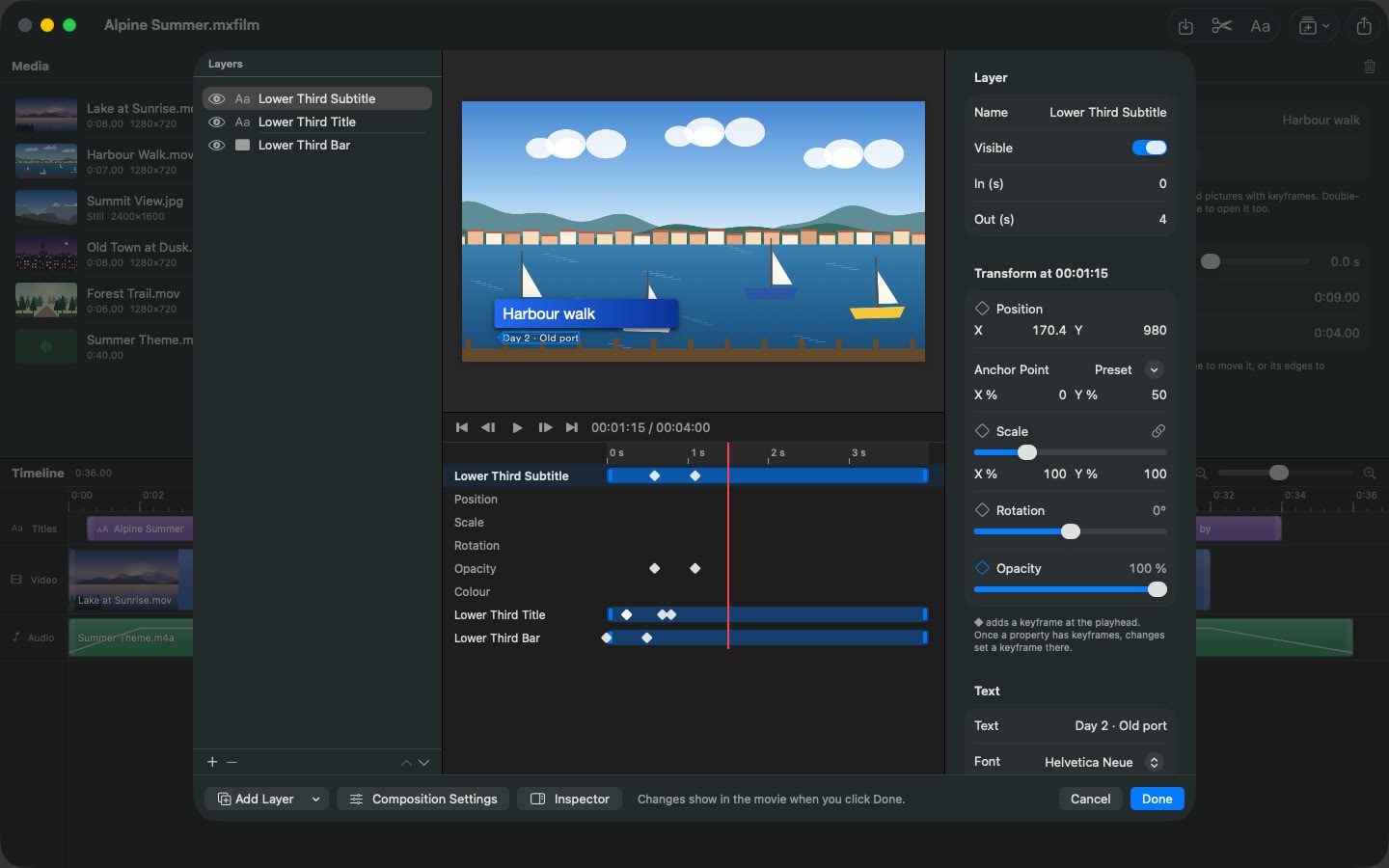
On the Mac, MIXEL Film also includes motion titles: animated lower thirds, end cards and kinetic titles that you build from text, shapes and pictures with keyframes, and that play over your video.
Highlights
- Import media, arrange and trim clips
- Add titles, markers and captions
- Adjust picture colour and audio levels
- Source and program monitors
- Export a finished movie
- On Mac: animated motion titles with layers and keyframes
Information
- Provider
- Mixel IT and Corporate Services GmbH
- Category
- Creativity
- Works on
- Mac · Windows
- Languages
- English
- Price
- Free
- Privacy
- Privacy policy