

Mixel Snipping
Turn screenshots into step-by-step guides
FreeMac · Windows · Linux
Mixel Snipping in action
Mixel Snipping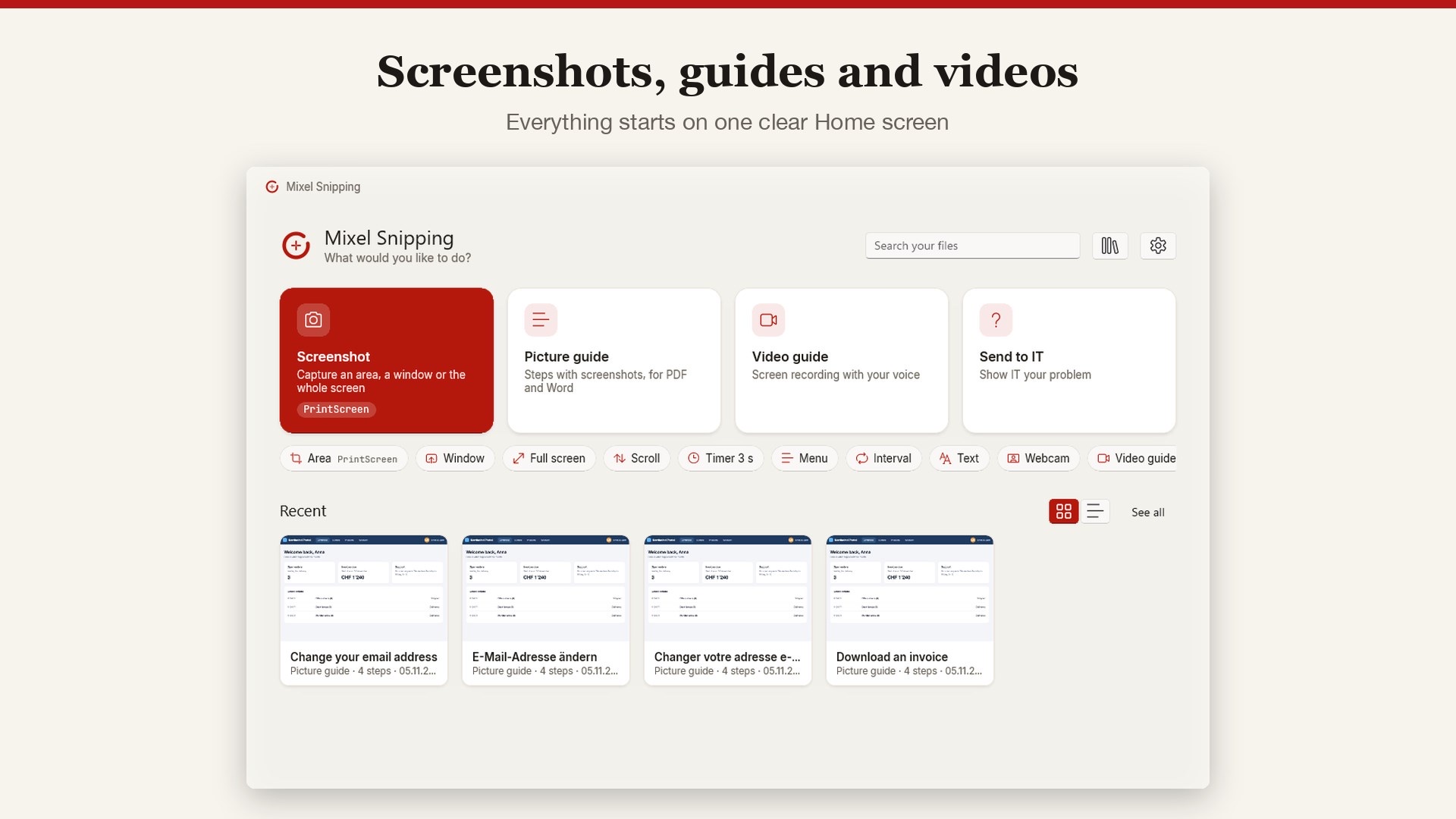
About this app
Mixel Snipping turns screenshots and screen recordings into clear instructions. It is made for everyone who explains software to others: IT support, trainers, teams and families.
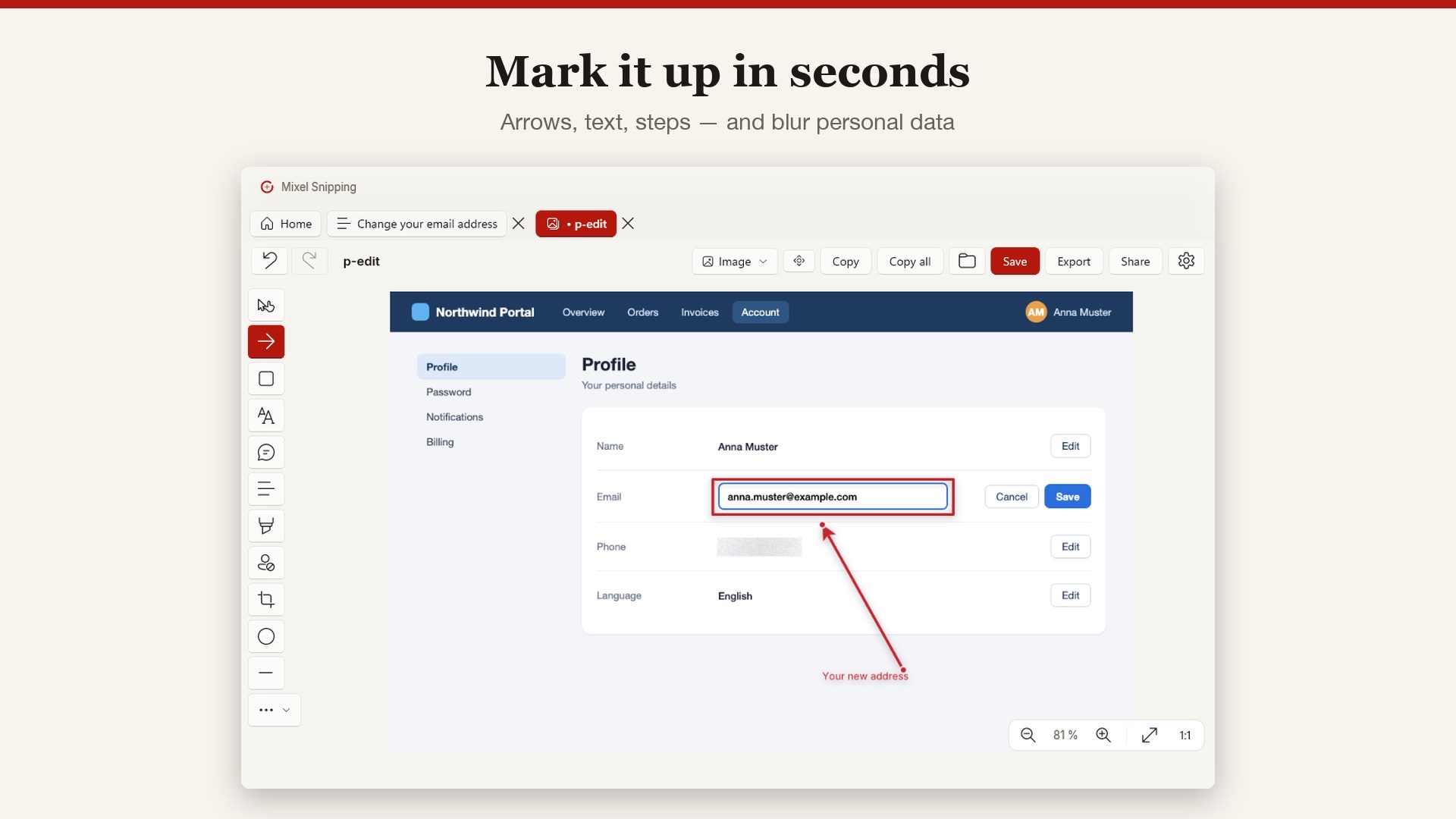
Capture an area, a window, the full screen or a scrolling page, then mark it up with arrows, boxes, text and numbered steps. Personal data such as email addresses, phone numbers, IBANs and card numbers is found for you and can be blurred.
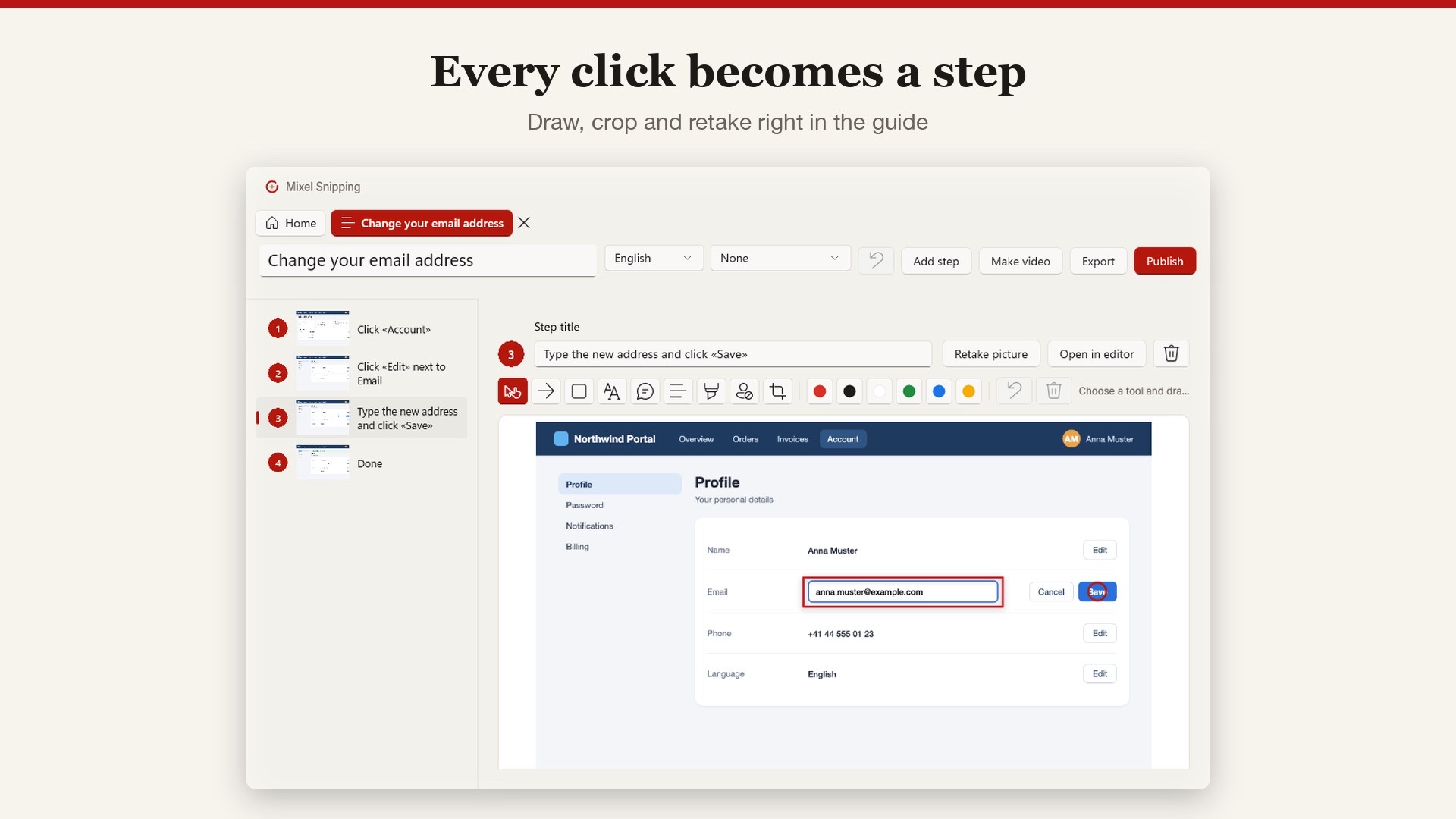
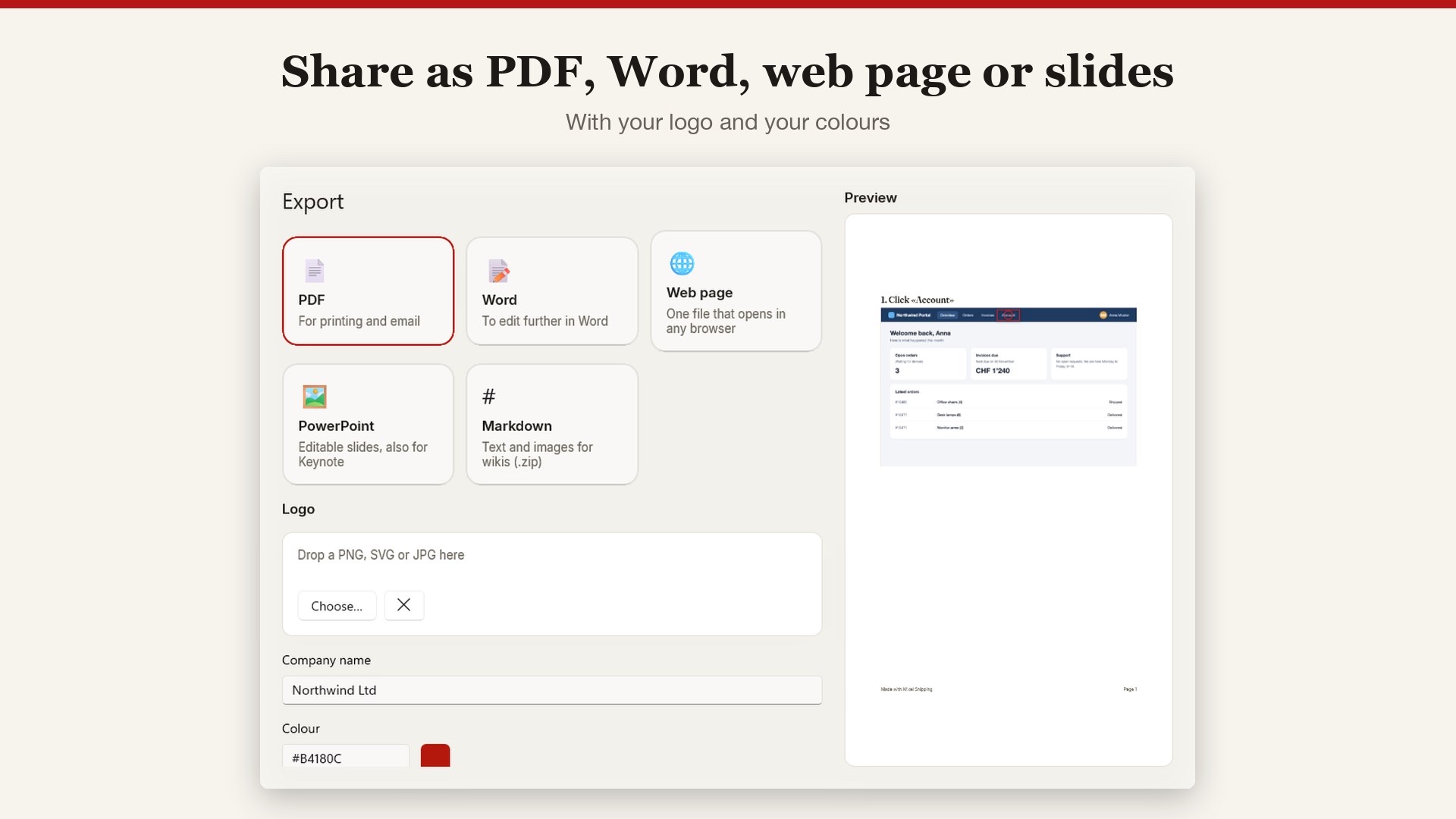
Do a task once and every click becomes a step with a picture and a title. Export the guide to PDF, Word, a web page, PowerPoint or Markdown, or record a video guide with your voice and camera.
Your pictures and videos stay on your computer. No account needed, no tracking, no ads.
Highlights
- Screenshots of an area, window, full screen or scrolling page
- Arrows, text, numbered steps, highlighter and blur
- Picture guides that write themselves from your clicks
- Export to PDF, Word, web page, PowerPoint or Markdown
- Video guides with voice and camera, exported as MP4 or GIF
Information
- Provider
- Mixel IT and Corporate Services GmbH
- Category
- Productivity
- Works on
- Mac · Windows · Linux
- Languages
- German, French, English
- Price
- Free
- Privacy
- Privacy policy